

Ongoinginging Hometown XR

Ongoinginging Hometown XR
Explore new worlds with Daydream Scope
Check out the latest model drops and powerful integrations.
A continuation from the previous progress: https://app.daydream.live/creators/wenjun/hometown-xr-ongoing-with-scope , my plan for this AI video program would be to focus on particle movement control with gesture/body movement (with mediapipe?) and VR display built on TD as a kind of virtual installation.
Since we have updates on Scope that LoRAs and plugins can be used on local Scope with remote inference, feeding the video stream from Scope to TD is not an issue anymore. I think Scope is a great backend generator now. Also thanks Andrew's Scope x TD plugin, we can enjoy the integration between the two guys.
---------------------------------------------------------------------------------------------------------------------------------------
3.20.2026
A wrap-up of these days' progress
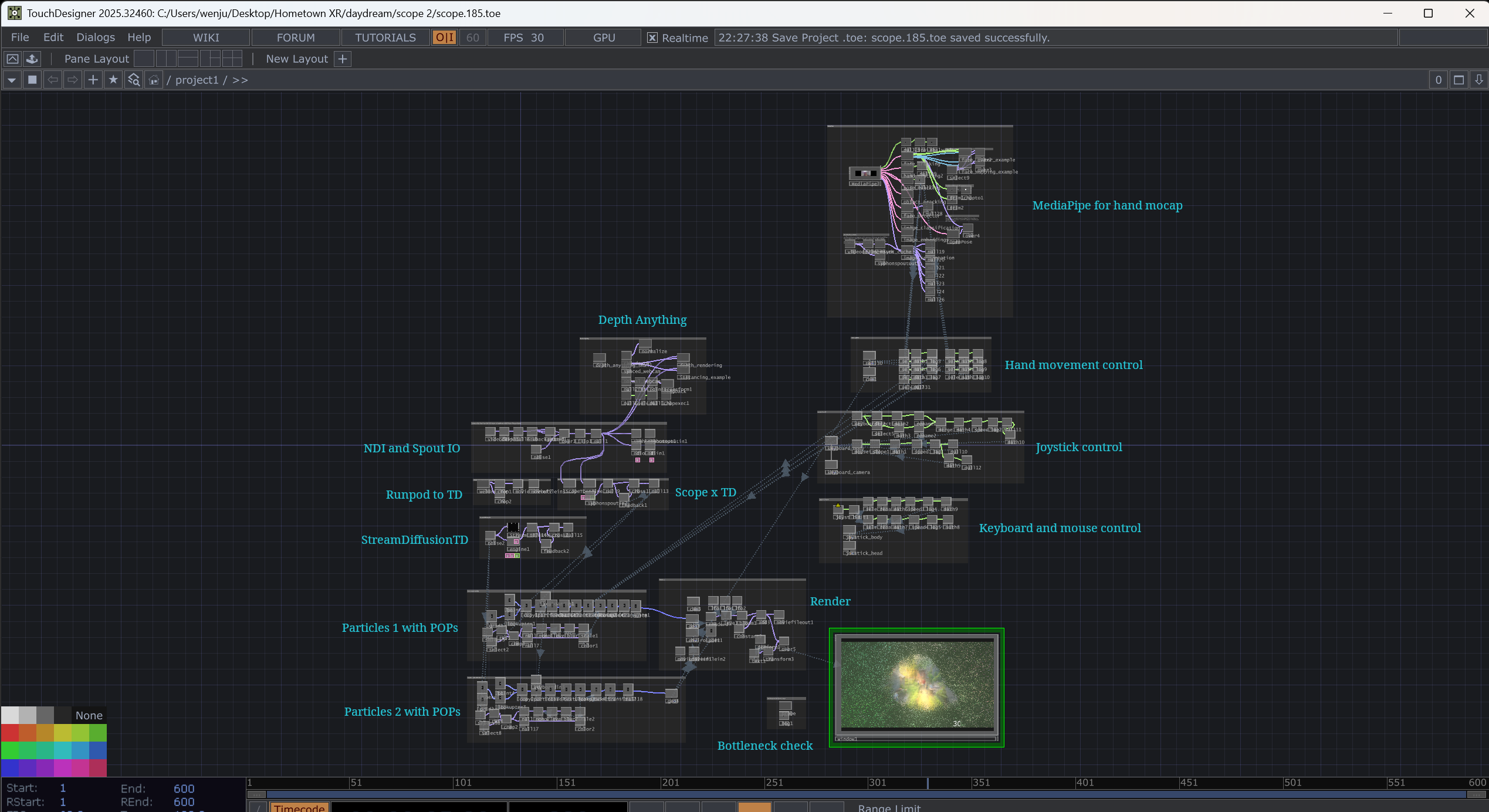
1. Added MediaPipe for hand mocap and hand movement control
So now, besides using keyboard, mouse, and joystick to control the particles, I can also use my hands. But I still need to refine the control and the feedback effect of the particles.
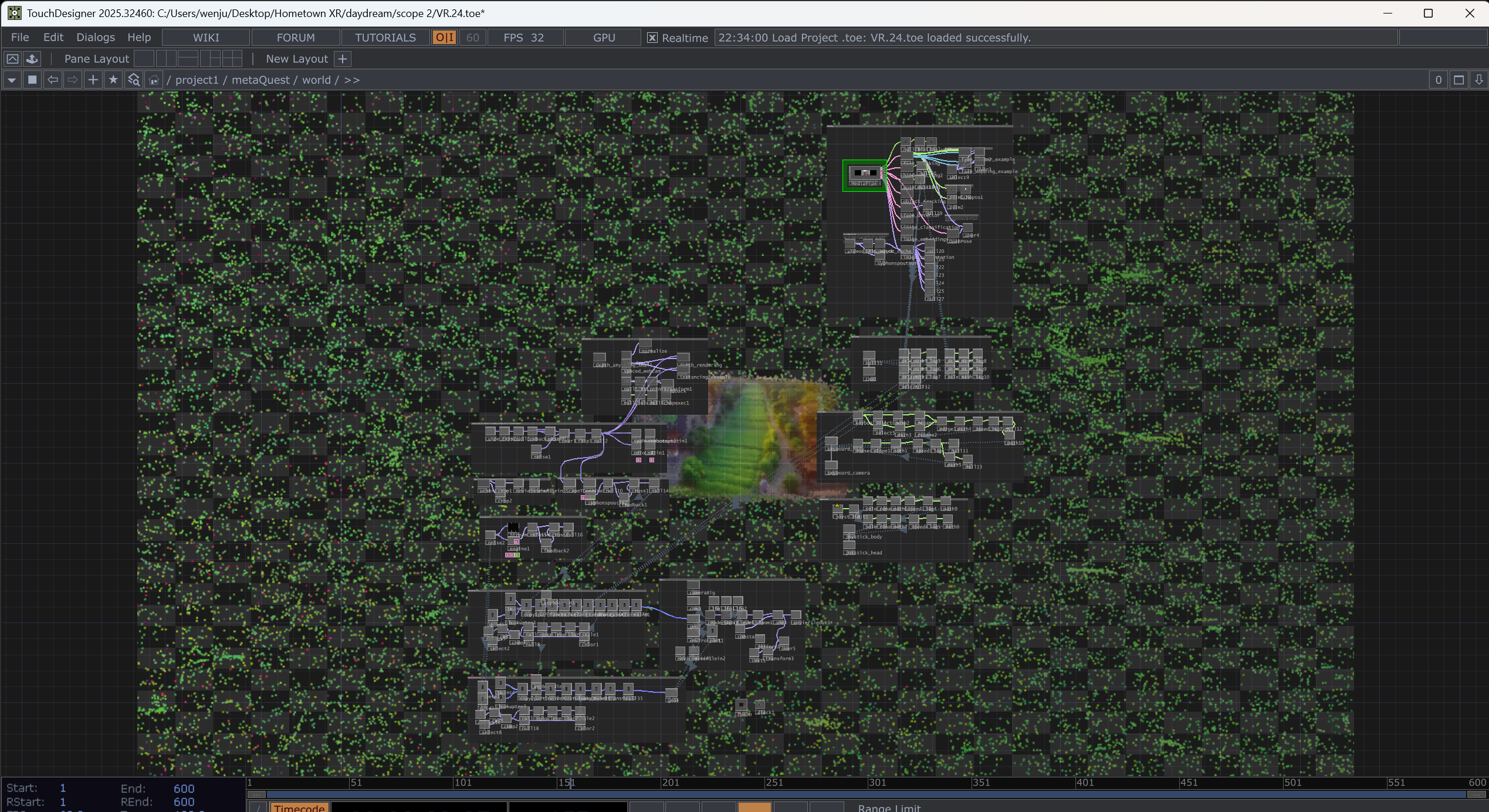
2. Added one more particle system as a backdrop. So now, there are two particle systems in total.
3. Bottleneck check
After adding all these nodes to the workflow, I got 30 FPS, even though VRAM usage is only 3 GB... So I use the Probe component in the Palette and Hog CHOP to do a bottleneck check.
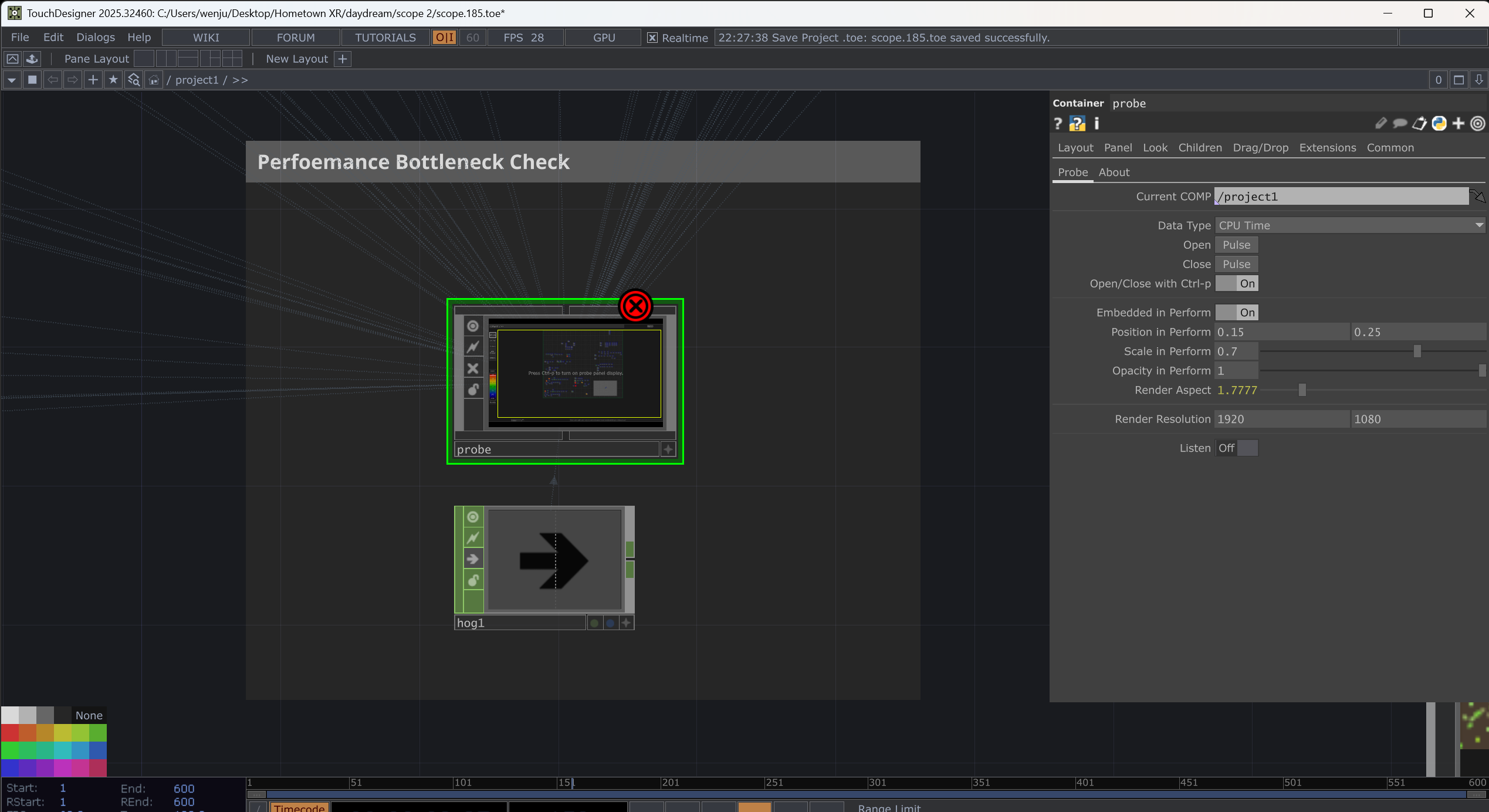
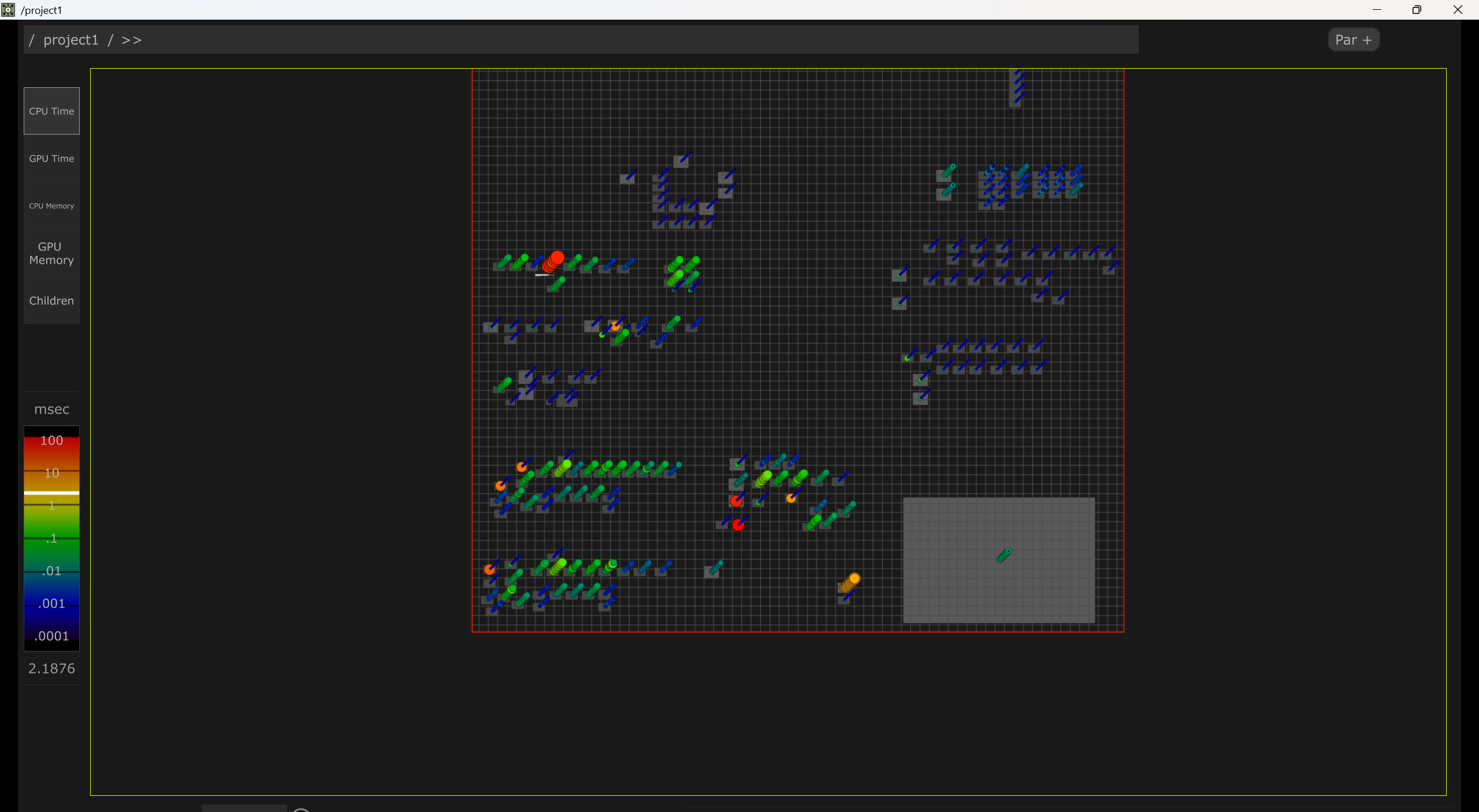
The probe component can let me see which guy is running heavily. And Hog CHOP adds a heavy CPU load instantly, so I can detect whether the bottleneck is on the CPU or the GPU...
4. VR
Previously, I tried to feed the particles from TD to Unreal Engine. Though the process is not so difficult, UE is also good for dealing with 3D productions. I found it was too heavy for my 3080 Ti to have two particle systems, both on TD and UE simultaneously. So this time, I tried to build the VR directly in TD. Actually, it is ok easy. There is a MetaQuest component in the Palette. Basiclly what I need to do is to swap the 3D environment in the template to my particle system. But I still need to experiment with the camera position. Now I have the one which is not what I supposed.
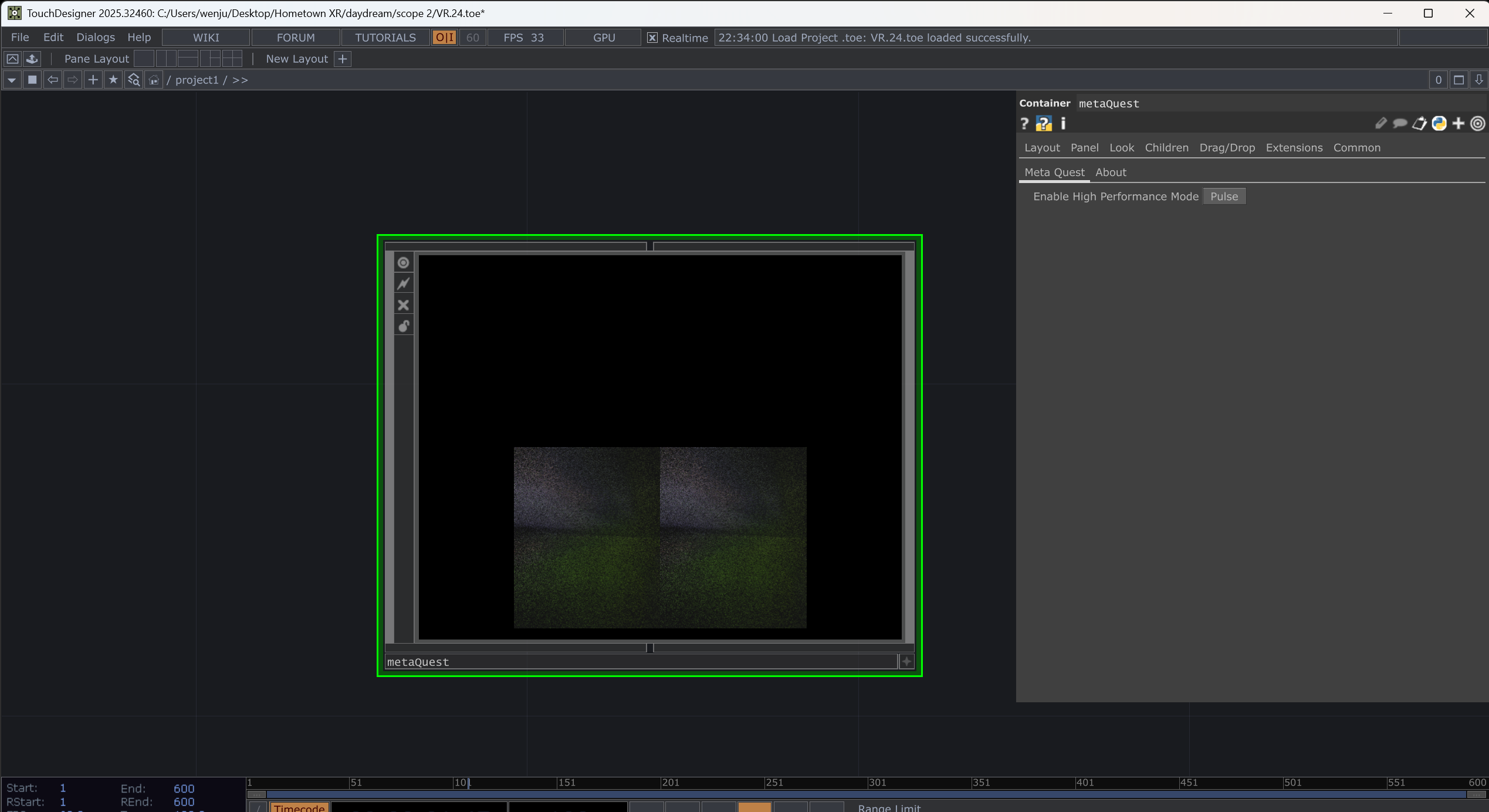
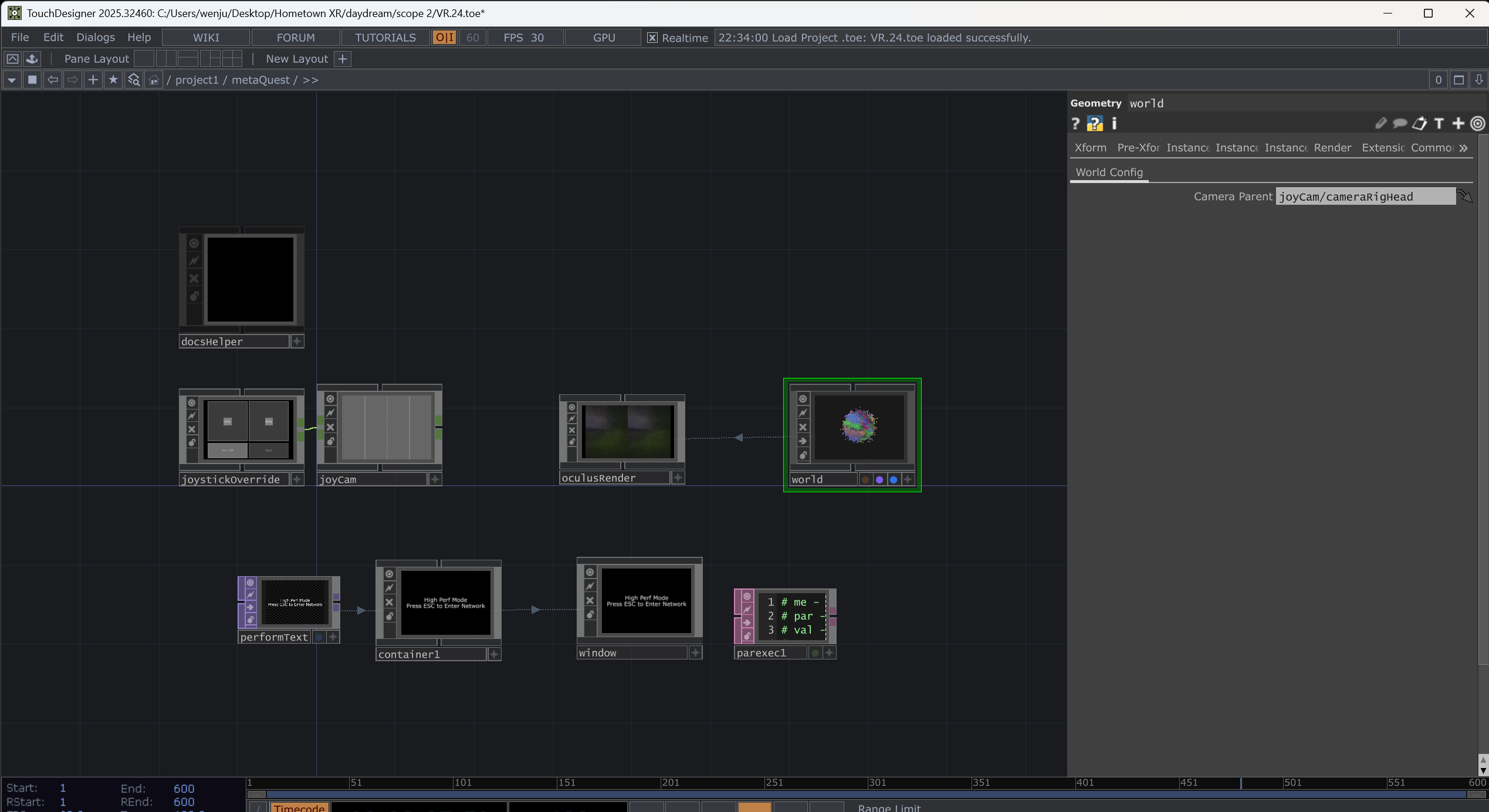
To run the TD VR in an Oculus headset. I need to run the Link connection in the headset first, then run the TD VR toe file. Then everything will run automatically. Welcome to the VR world. But I still need to experiment with the VR joystick control. Now I use another video game joystick to control the particles.
To be continued... (a long and slow term)


